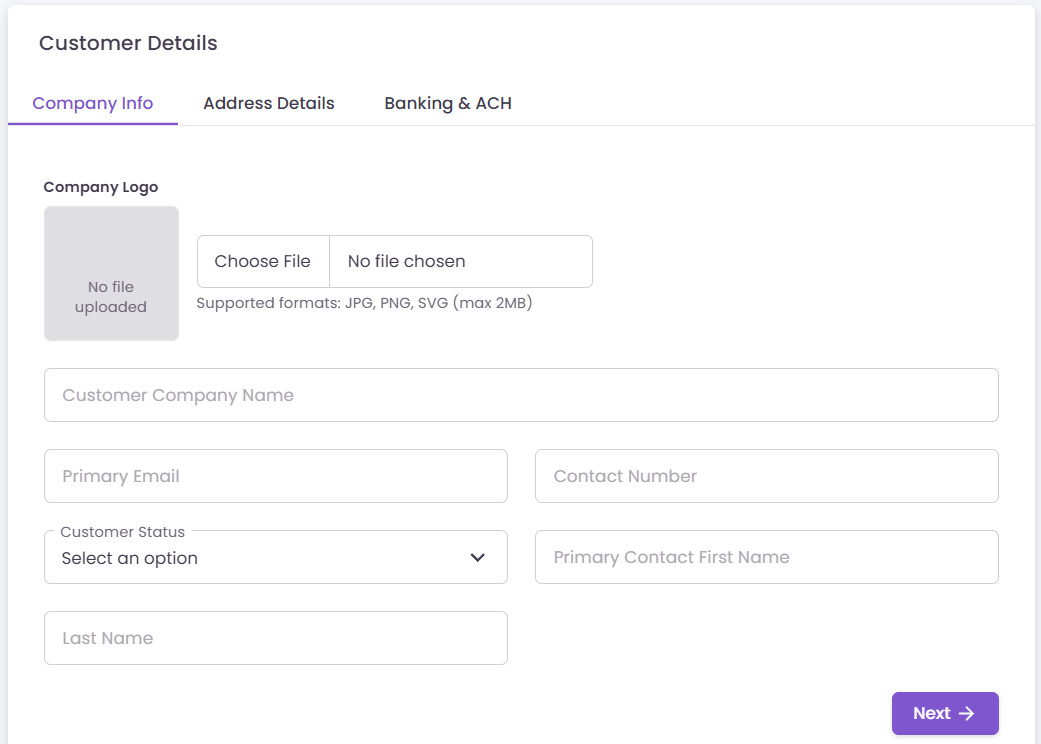
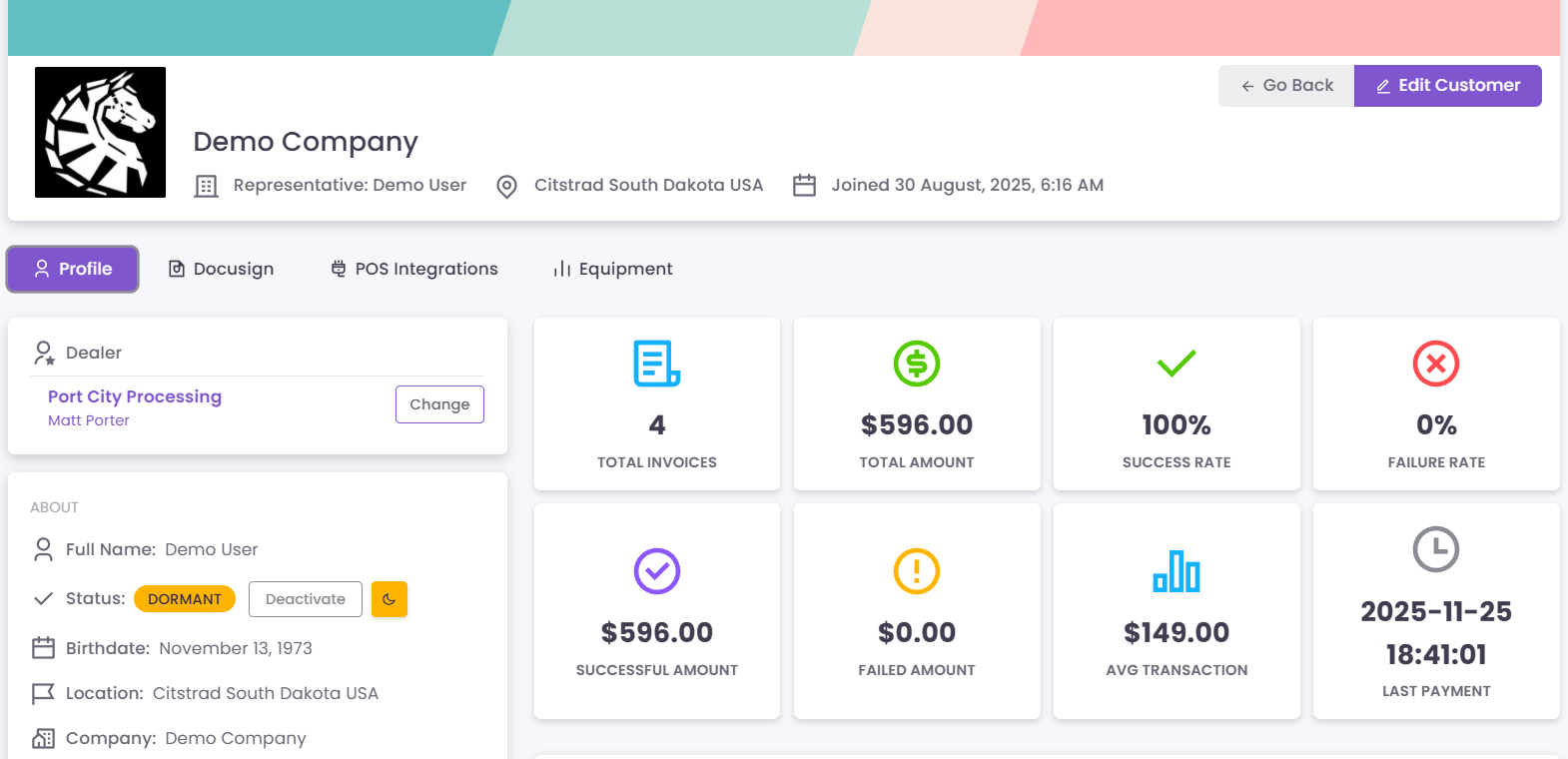
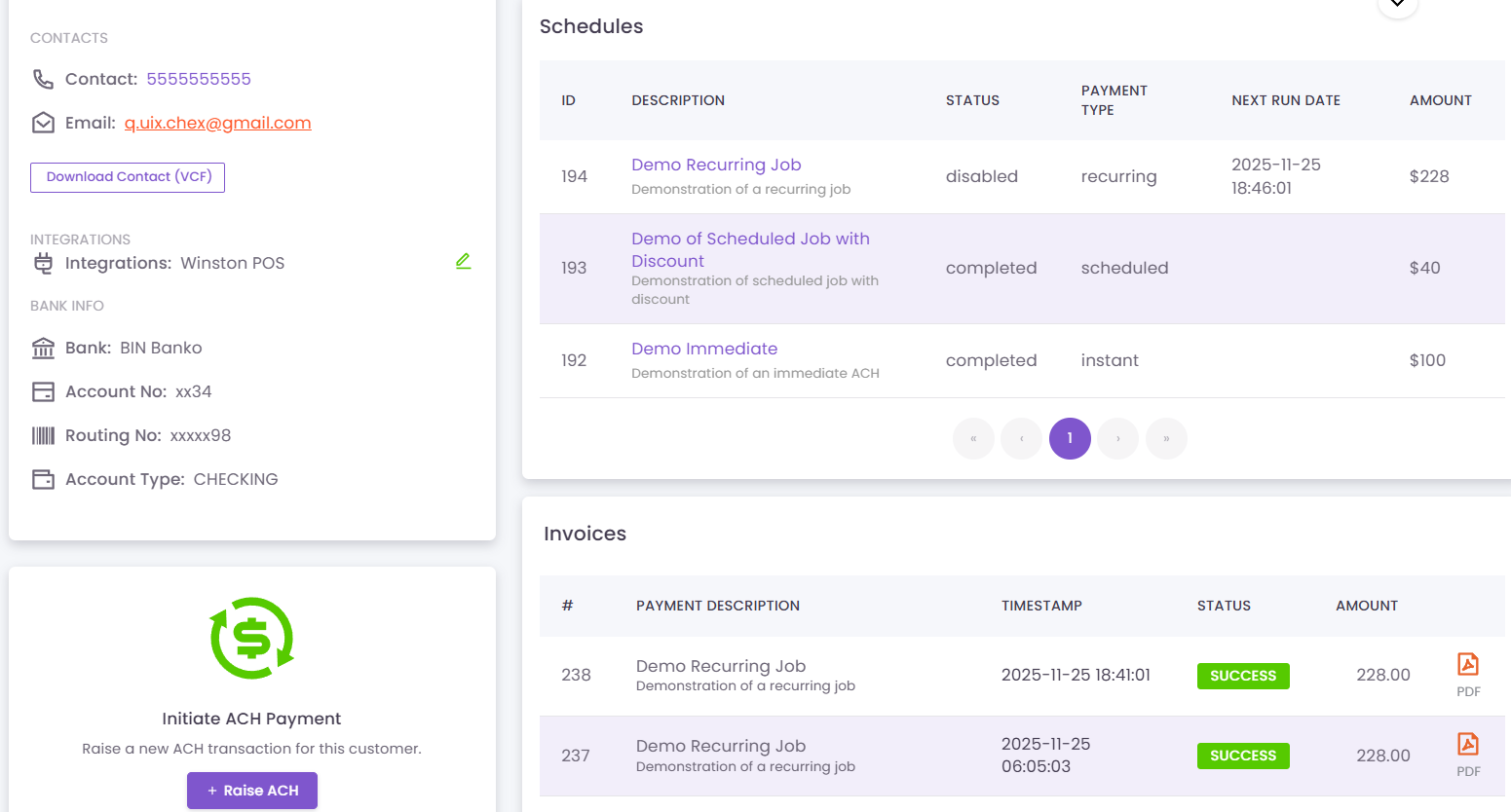
Adding your customers to QuixChex is a simple process. You can either manually add each of your customers to the system, or you can choose to import your customers to automatically populate all of your customers information in the system.
*Note: In order to import your customers, you will need to provide a CSV file that adheres to the import schema required by QuixChex. You will also need to review your customer data and if desired, you will need to upload the logos for your each of your customers.
Access your dealer profile
Login into your account to access your dealer profile. Once you are at your dealer profile, click on the “Add New Customer” button located in the top right hand corner of your customers section with your dealer profile.
You will be redirected to begin to enter the contact and billing information for your customer.
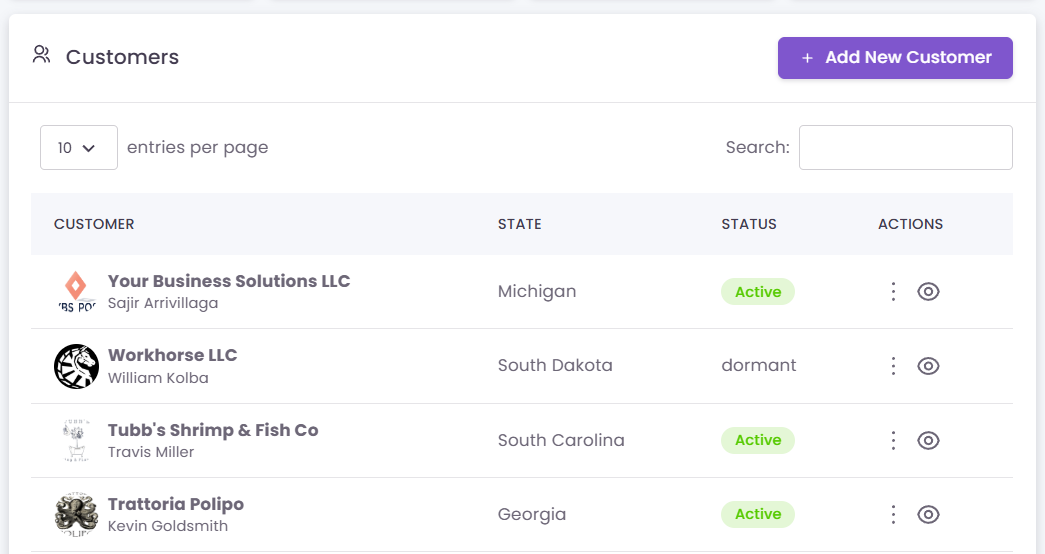
Enter the details for your customer
Fields are marked that are required. You will need to enter all of the contact information for your customer, as well as the customer address, and their banking information.
Once you have completed creating your customer, you are all set! The customer is ready to have billing schedules setup, and you can begin to remit ACH’s immediately.
(Coming Soon) Credit card processing within QuixChex is PCI compliant, credit information for the customer will be tokenized as to not provide information about the credit card being used.